v0.21.1: Find-in-page bug fixes

Web app to desktop app in minutes

Take your web app codebase and transform it into a cross platform desktop app with native functionality

APPS POWERED BY TODESKTOP
ReadyRunner
LifeAt
Convy
Morgen
Campside
Rise
ClickUp
Notion Calendar
Sunsama
Beeper
Cal
Bento
Grain
WebStudio
Modyfi
Super
Slite
Typefully
Unbounce
Moises
Basedash
Cursor
Linear
Voiceflow
Kitemaker
WebStudio
WebStudio
Cron
Bento
Grain
Conjure
Mac
Messages
Beeper
Morgen
Notion Calendar
Unbounce
Unbounce
How it works

Step 1

Bootstrap straight from your web app

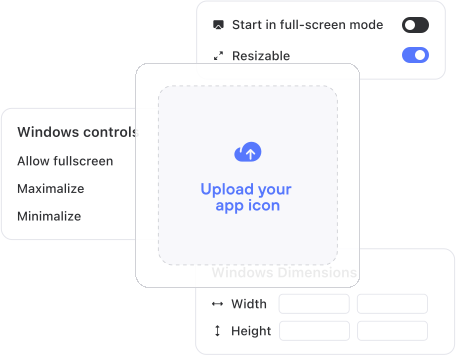
Copy and paste your web app url into ToDesktop. Customise your app design, app icon and window frame UI with no code.

Step 2

Add desktop code to customise your web app

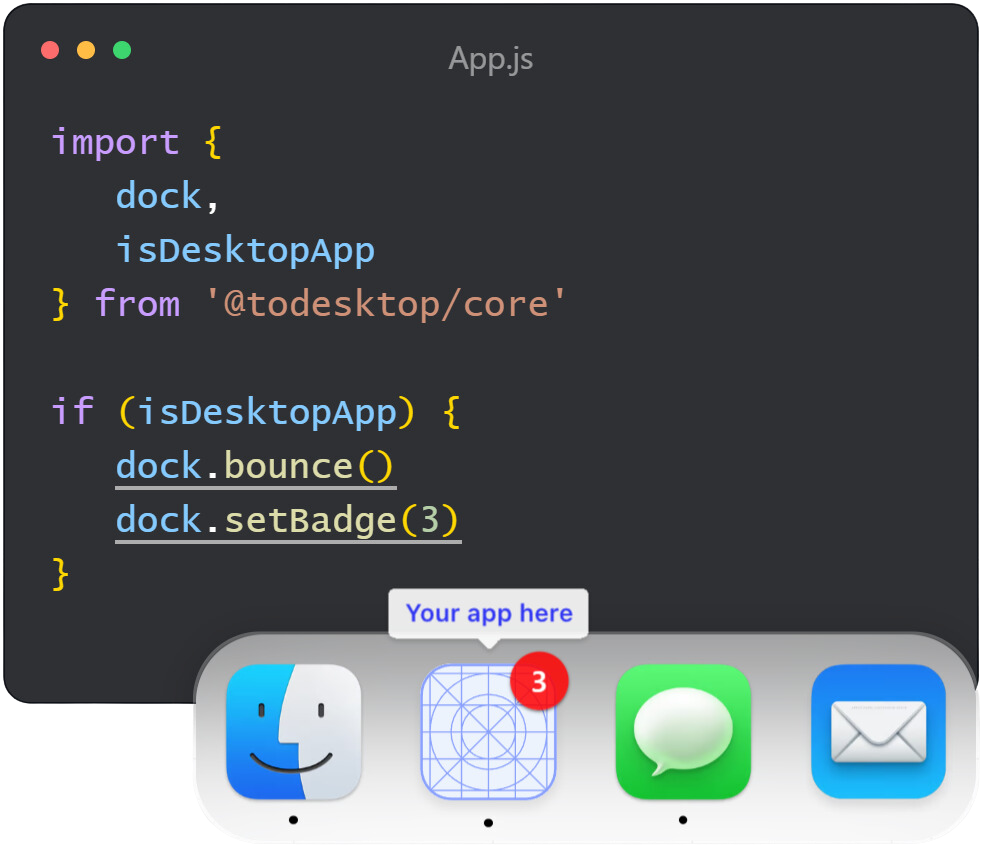
No need to create a new repository, just add code from our desktop APIs to your codebase and get access to system level functionality.

Step 3

Publish

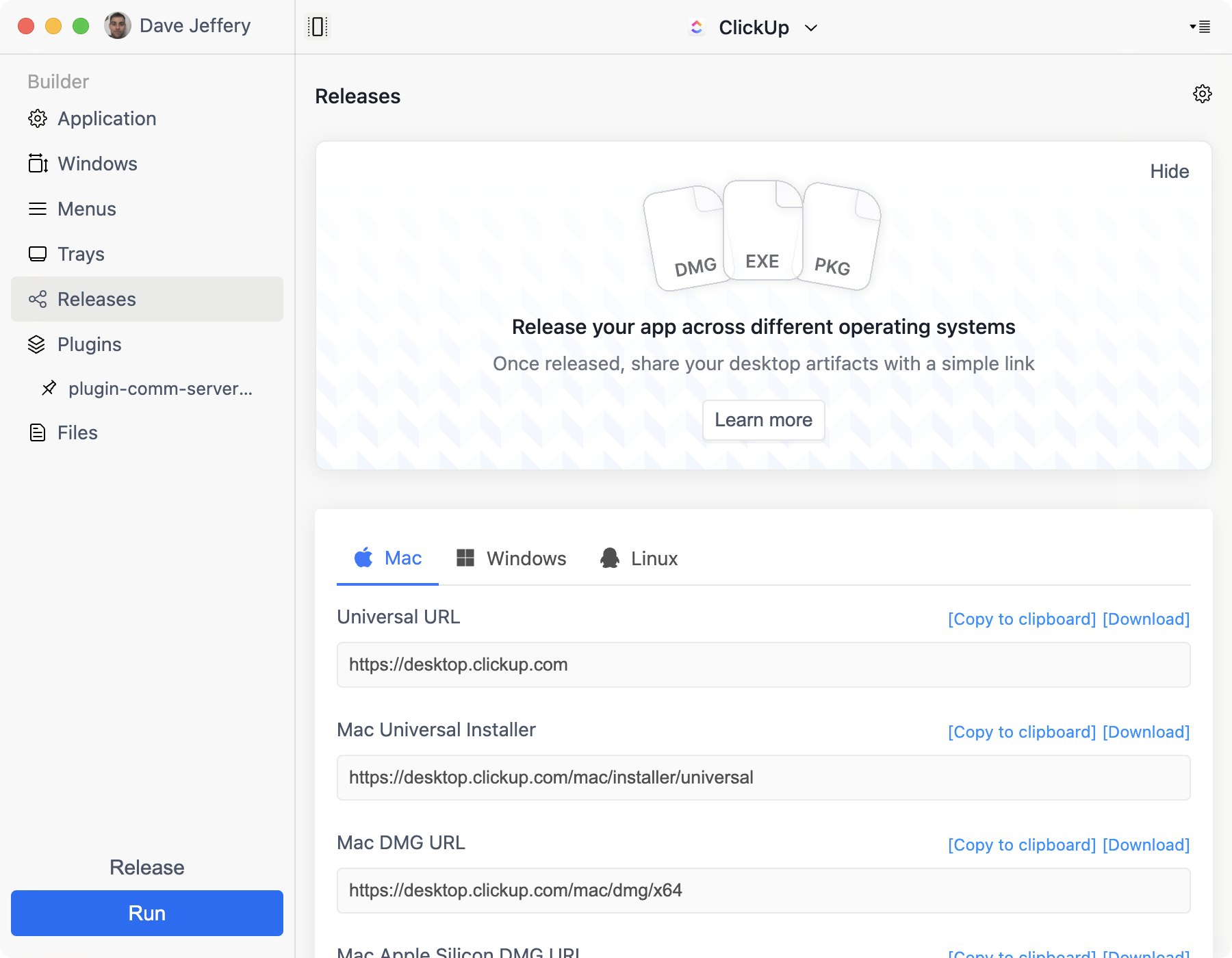
One-click will publish your desktop app to your customers and give you a download link to put on your website.

̥

ToDesktop handles the details

Native Notifications

Auto Updates

We’ll ensure the underlying browser is up to date and deliver performance improvements, security patches, & additional features

Plugins

Access to Native APIs

ToDesktop ensures the underlying browser, performance improvements, security patches and additional features are always up to date.

Customizable look and feel

Native Installers

We even provide a magic link which will detect your users operating system & download the most up to date version of your app.

̥

Customer stories

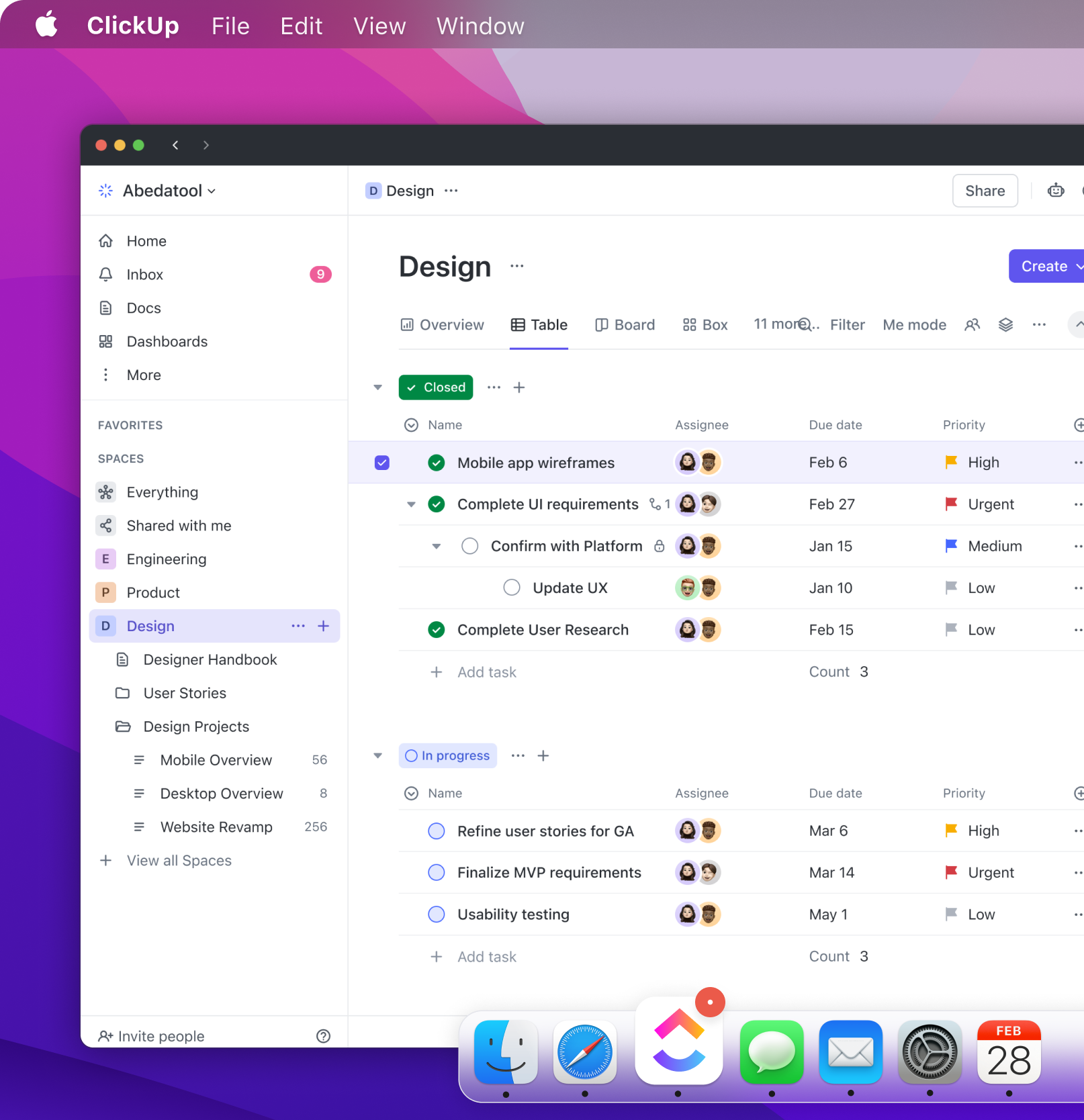
ClickUp used ToDesktop to get their desktop app in front of customers in days instead of months.

Chromeless UI
Native spellcheck
Task time in menubar
Notification count in the dock
Global hotkey to create task

“ToDesktop provided us with a polished desktop app in no time. Their expert team guided us through a smooth migration from our outdated legacy desktop app, enabling us to deliver new and improved features to our customers within days.”

Zeb Evans

Founder & CEO, ClickUp

Native APIs

What sets ToDesktop apart is its seamless integration with native APIs using our existing web codebase. By tapping into APIs like Tray and Notifications, we've crafted an exceptionally polished desktop user experience.

Rick Pastoor

Rise

Cleaner, less cluttered UI

Having a desktop app gives us the freedom to design the experience we want, including better keyboard shortcuts and a cleaner UI. It was a no-brainer for us to use ToDesktop.


Max Musing

Basedash

Code optional

It was unbelievably simple for us to get a desktop app up and running, and we didn't have to write a single line of code. Once we had this MVP, we were able to extend the app's functionality with custom behavior using ToDesktop's libraries.

Rick Pastoor

Rise

READY TO START BUILDING?

Create your desktop app for free*

ToDesktop Builder will take you step-by-step through the process of creating your first desktop app in just a few minutes.

Download ToDesktop Builder

*You can create a desktop app and run it on your computer for free. You will only be charged if you want to create a distributable app for your customers.

Choose a plan that fits your needs

Free

For personal use or testing your app before deploying to customers.

KEY FEATURES

  • Free for personal use
  • Run app locally
  • No Code Signing
  • No Native Installers

Essential

For simple desktop apps.

$100 /month

KEY FEATURES

  • Windows, Mac & Linux
  • Code Signing
  • Native Installers
  • Email/chat support

Most Popular

Professional

For sophisticated desktop apps.

$240 /month

Everything in Essential Plus

  • Branded Download links
  • Analytics
  • Access to Plugins
  • Access to restricted API

Dedicated support and expert guidance.

Enterprise

  • Whiteglove onboarding

  • Custom features

  • Priority support

  • Shared Slack channel

  • Dedicated account manager

  • Custom Billing

Secure, reliable cross-platform desktop apps for enterprise teams.

You may also live char with us by clicking here.

FAQs

Is ToDesktop for Me?

Will my app work offline?

Can I try ToDesktop without buying?

Will my app work offline?

Do you collect or store data about my customers?

Which version of Electron/Chromium is used?

Does ToDesktop work with sites built with ___?

How does my app get updated?

What features are on the product roadmap?

How does ToDesktop work under the hood?

More questions? Visit our docs. Or send us a message.